GenAI Image Prompt & Render Generator
A web application that takes a creative brief through structured prompt generation, AI refinement and image rendering in one workflow.
The Problem
Producing AI-generated imagery for commercial use depends on more than a well-written prompt. For a national property developer, the creative brief, the client's visual references and the brand's styling rules each sat in different places, and prompts were written separately by whoever was generating the image.
That made results hard to repeat. Two people working from the same brief could produce very different images, brand requirements and exclusions were easy to miss, and nothing linked a finished image back to the brief and prompt that produced it.
The Solution
I designed and built a web application that brings briefing, prompt development, image rendering and asset organisation into a single workflow.
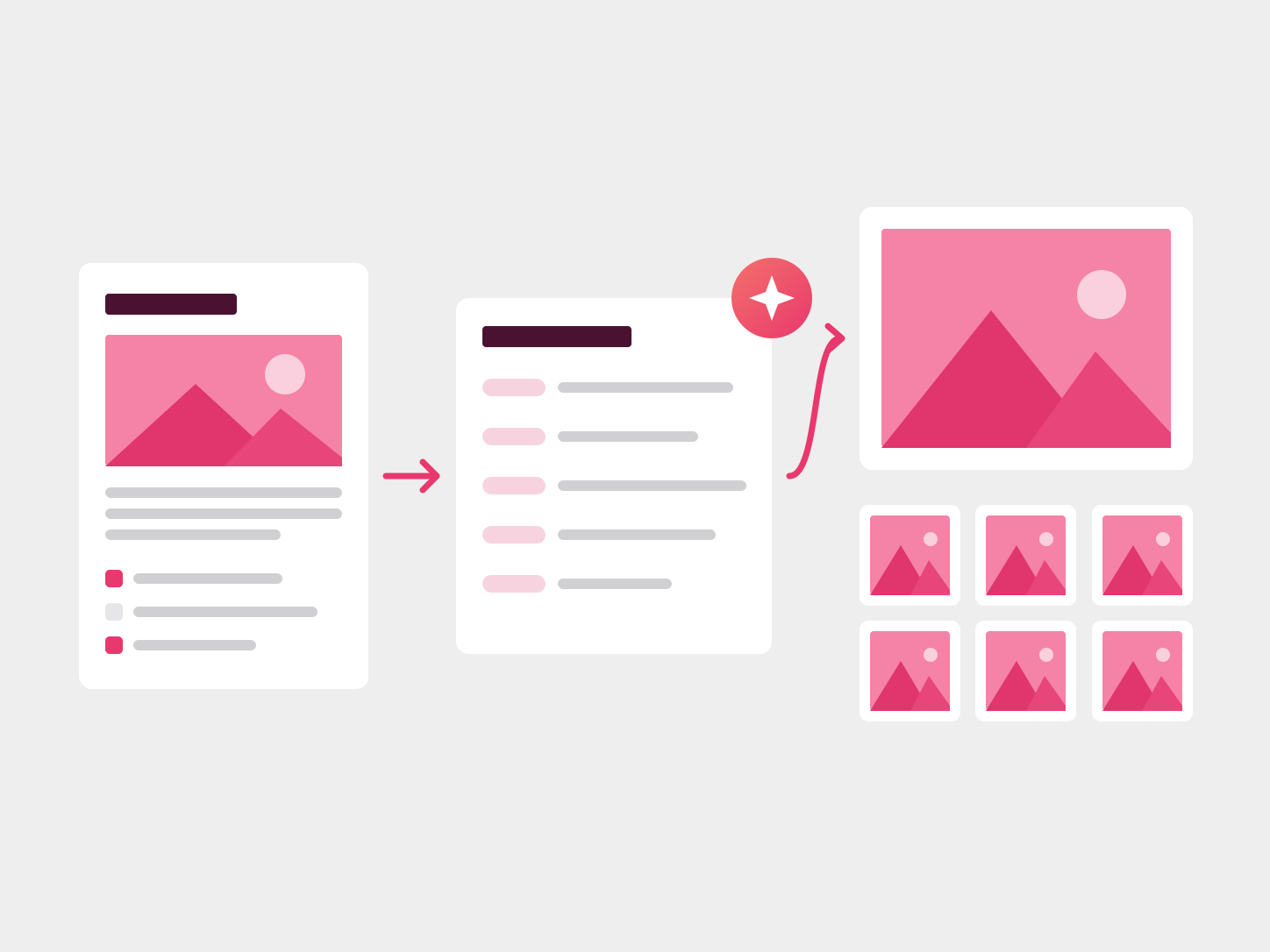
An art director completes a structured creative brief or imports the client's brief, adds reference images and a brand preset, and the application assembles a consistent, labelled prompt. An AI assistant then helps refine the prompt, the image is rendered through a choice of models, and the result is saved to a library with its prompt and settings.
Approach
I designed the workflow and interface, then developed the application myself using AI-assisted coding. It is built in plain HTML, CSS and JavaScript, with Netlify serverless functions handling the calls to OpenAI and fal.ai.
The brief is the starting point. Art directors can complete structured fields for category, style, lighting, mood, framing and format, or import a client brief from pasted text or a Word or PDF file. Reference images are described by an AI vision model, so the look the client responded to becomes text the prompt can use. Reusable presets hold a client's or region's visual rules and exclusions, so brand direction is applied the same way each time.
These sources feed one structured prompt with labelled sections for camera, lighting, style, brand and format. A conversational assistant asks up to two clarifying questions about genuine gaps, then applies the refined prompt automatically. Because image models respond differently to wording, the prompt can also be rewritten for the selected model, with the original kept for comparison.
Rendering runs through OpenAI's image model or a range of fal.ai models, including Flux and Nano Banana Pro. Each render is saved to a library with its prompt, model, size and cost, where it can be organised into folders, reviewed and downloaded.
Results
The application was built as a functional prototype for Wellcom's creative production workflows, initially exploring AI image generation for a property client. It was not adopted for client production, so there are no efficiency or adoption figures to report. The prototype demonstrated:
- An end-to-end workflow from brief to rendered image in one application, with separate pages for briefing, presets and the library.
- Structured prompts assembled from three inputs (an AI description of the reference image, the art director's draft and a brand preset) without one overwriting another.
- Model-specific prompt optimisation, and a guided refinement step limited to two questions.
- Image generation through two providers and multiple models from a single interface.
- A library that keeps each image linked to the prompt and settings that produced it.
Outcome
The prototype shows how generative AI can sit inside a structured production process. The brief, references and brand rules go in at the start, and each image can be traced back to the inputs behind it.
It remained a prototype and was not deployed for client work. For me it was a practical exercise in taking a production problem from concept to a working application, covering workflow design, UX, API integration and AI-assisted development.
Project Details
- Role: Product concept, workflow design, UX, AI-assisted application development, API integration and testing
- Built with: JavaScript, HTML/CSS, OpenAI API, fal.ai, Netlify serverless functions, AI-assisted coding
- Type: Generative AI / Creative Production Tool
- Status: Functional prototype; not deployed for client production